Monitoring and tracking4 min read
What is a digital twin for a farm?
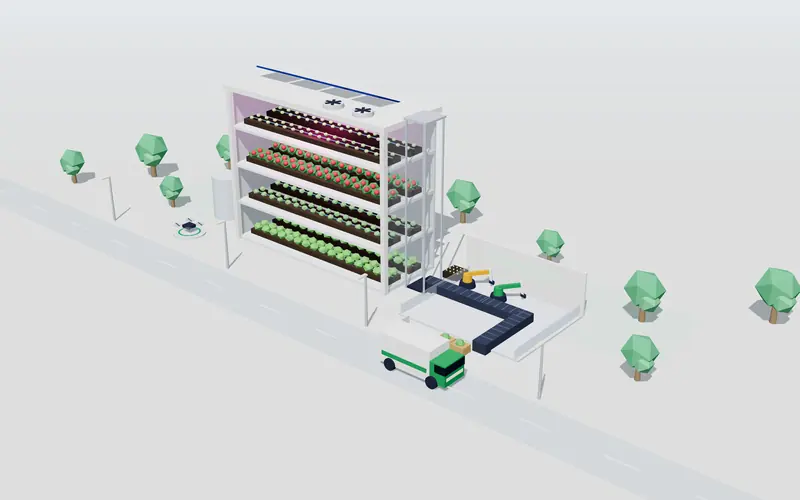
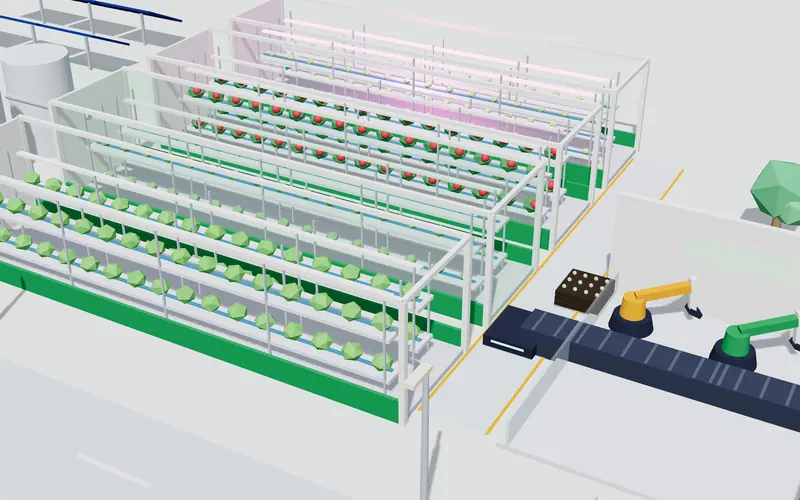
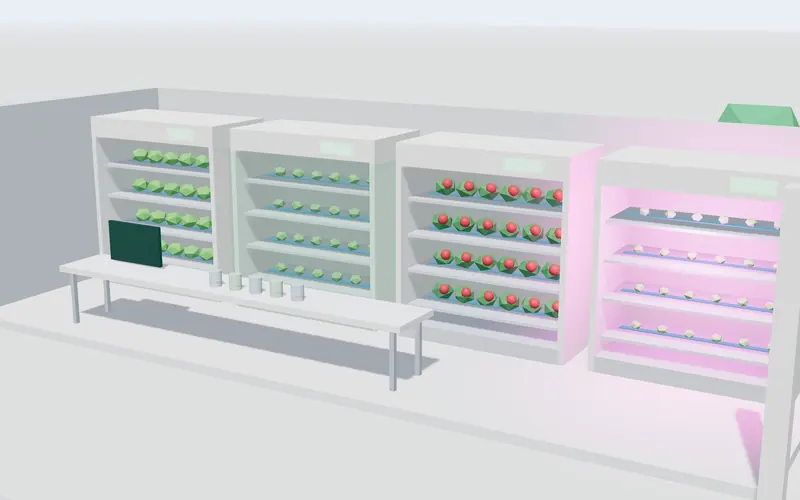
A farm digital twin is a live copy of your farm on screen: the same rooms, racks, floors and lights, drawn in 3D and kept up to date with your data. Instead of reading tables, your team looks at the farm and sees problems where they happen.
What a digital twin actually is
A digital twin is a working model of something real that stays in step with it. The idea comes from engineering and manufacturing, where teams keep a live model of a machine or a factory to see how it's running without standing next to it.
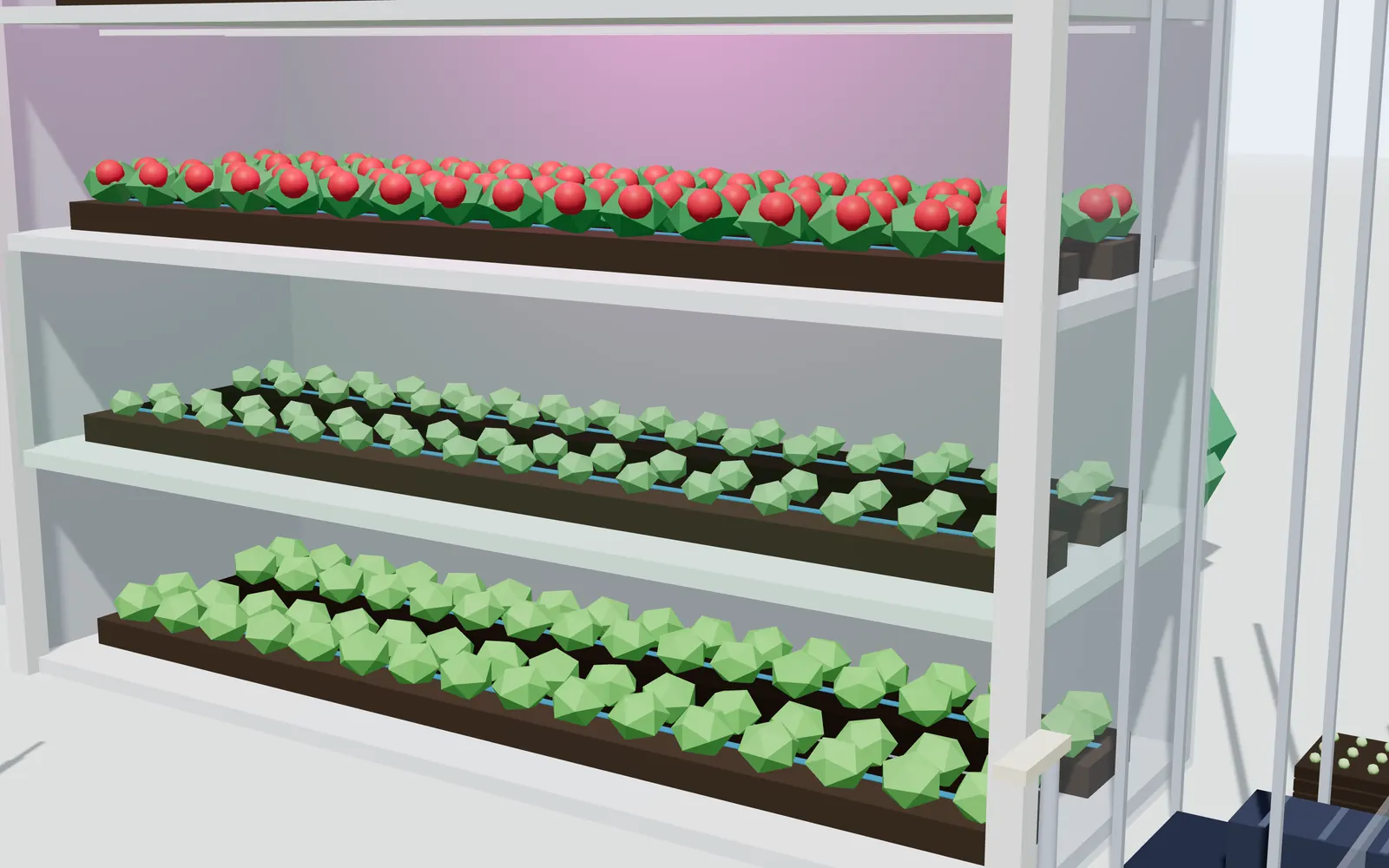
For a farm, the twin is your farm's layout, room by room and rack by rack, with your data placed where it belongs. A temperature reading sits on the floor where the sensor hangs. A batch of basil sits on the rack where it's growing. When something changes on the farm, the twin changes too.
How a twin differs from a dashboard
A dashboard tells you what the numbers are; a twin also shows you where they are. Charts are good for trends, but on a farm with many floors or containers, the first question is usually "where?", and a list of sensor names doesn't answer it quickly.
| Dashboard | Digital twin | |
|---|---|---|
| Shows | Numbers and charts | Your farm in 3D, with the numbers on it |
| Best at | Trends over time | Finding where something is wrong |
| Batches | Rows in a table | Trays on the rack where they grow |
| New team members | Need to learn sensor names | Recognise their own farm |
What a farm twin shows
A farm twin shows the things a grow manager checks every day, on the part of the farm they belong to:
- Climate per floor or zone: air temperature, humidity, CO₂ and airflow.
- Water and nutrients: pH, EC and water temperature for each system.
- Light: the recipe (spectrum), intensity and day length on each floor.
- Batches: what's planted where, its growth stage and its expected harvest day.
- Harvest, packing and delivery: which crates left, when, and for whom.
- Energy: when the lights and cooling run, and what they cost.
What you need to start
To start a farm twin you need a layout and the data you already keep; sensors are optional. In practice that means a few photos of each growing area, a rough sketch with sizes, and whatever you track today, even if it's a spreadsheet or a notebook.
Sensors make the twin live without anyone typing, so they're worth adding over time. But a twin fed by daily readings is already useful, because the team sees the whole farm in one place.
When it's worth it, and when it isn't
A twin is worth it when the farm is too big or too spread out to keep in one person's head. That's usually the case with several floors, rooms, containers or sites, with more than one shift, or when problems are found days after they started.
It's less useful for a single small room run by one person who checks everything by eye each day. A notebook may be enough there, until the farm grows.
How Lamina does it
Lamina builds a 3D twin of your farm from photos and a sketch you send on WhatsApp, in about two weeks, and loads the data you already have. It works for vertical towers, container farms, hydroponic greenhouses and research labs, and it runs in the browser on phones and laptops.
You can see how it feels before talking to anyone: the live demo runs on sample data and carries your farm's name. Pilot farms use it free for three months. For the bigger picture, read the complete guide to running an indoor farm.